ERP for Manufacturing Company: Key Features & Benefits for UAE Factories
A factory can hit its production targets and still lose money through material waste, machine downtime or last-minute purchasing. These problems usually start in the same place: production, warehouse, purchasing and finance each keep their own records.
An ERP for manufacturing company connects these functions, so managers can track production, monitor inventory and understand costs from one shared set of data. For UAE manufacturers, the right system also needs to handle local requirements such as VAT, e-invoicing and In-Country Value reporting, and give finance figures it can rely on.

Where Manufacturing Operations Lose Control
Consider a factory producing metal components. A new order arrives, but essential raw materials are unavailable. Purchasing places an urgent order, production gets delayed, and the delivery date changes. Later, the finance team discovers that the additional costs have reduced the expected profit.
This isn’t just a purchasing problem. It touches inventory, production planning, procurement and costing at the same time, and nobody saw the full picture until it was too late.
A manufacturing ERP connects these activities. Managers can check material availability before accepting an order, track work orders on the shop floor and see how a delay affects cost, without chasing updates from four departments.
Key Features to Look For in Manufacturing ERP Software in the UAE
1. Production Planning and Scheduling
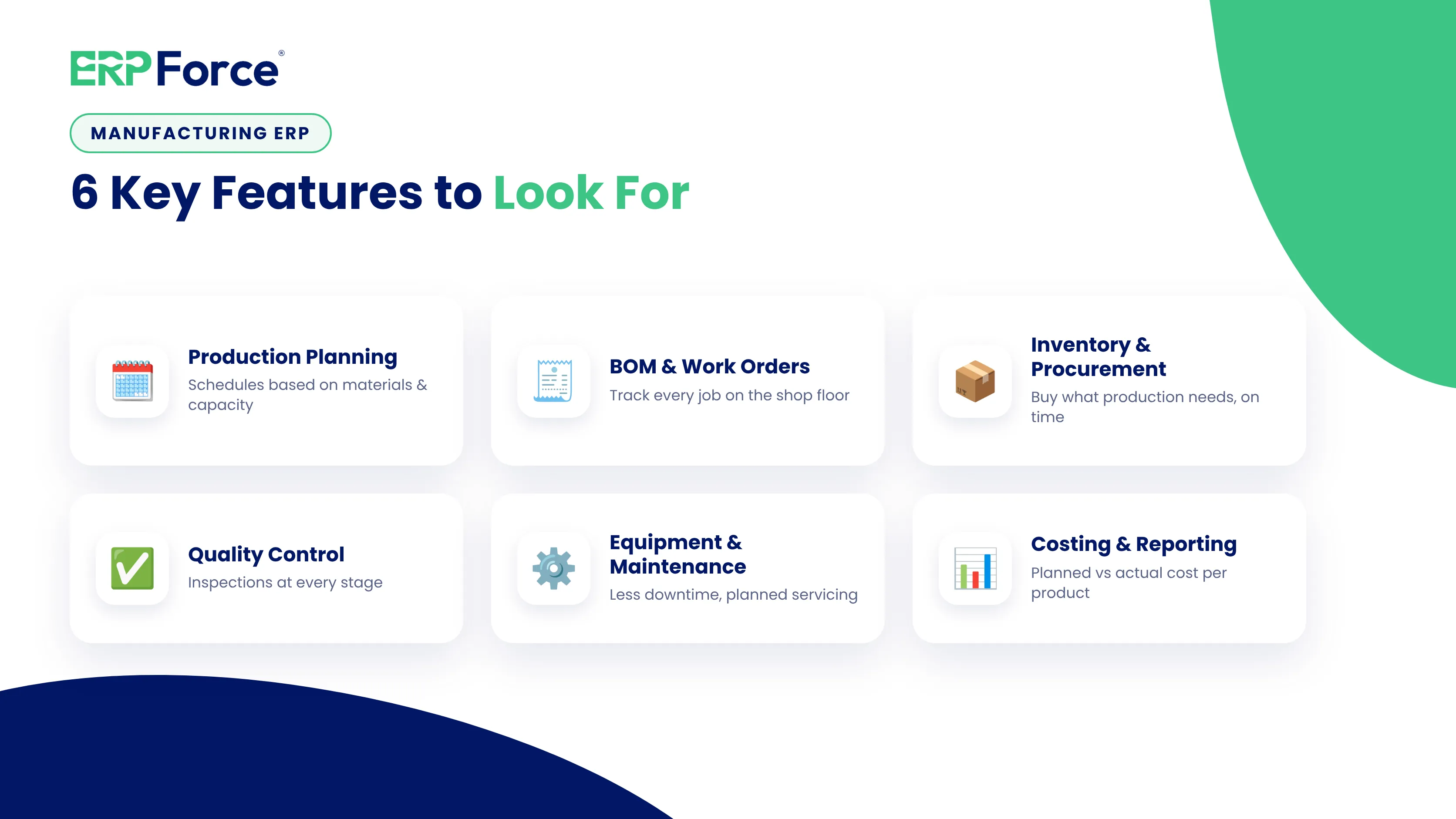
Production schedules should reflect material availability, order priorities and machine capacity. Good planning tools help you spread the workload, spot bottlenecks early and give customers delivery dates you can actually meet.
2. Bill of Materials (BOM) and Work Orders
A Bill of Materials lists the components and raw materials required to manufacture a product. Work orders turn production requirements into trackable tasks. Together, they help teams organise material consumption and monitor progress at different production stages.
3. Inventory and Procurement Management
Shortages stop production, while excess stock ties up cash. An integrated system links inventory levels to purchasing and material requirements. Procurement buys what production needs, when it needs it, and avoids expensive emergency orders. See ERPForce inventory management
4. Quality Control
Inspection checkpoints at receiving, during production and before dispatch catch defects before they reach the customer. Recording quality results against batches and work orders also makes it easier to trace and fix recurring problems.
5. Equipment and Maintenance
Unplanned machine breakdowns are one of the biggest hidden costs in manufacturing. Tracking equipment, scheduling preventive maintenance and logging downtime helps you keep lines running and plan capacity accurately.
6. Production Costing and Reporting
Material consumption, labour hours, and equipment use influence manufacturing costs. Reporting tools help managers compare planned costs with actual expenses, investigate differences, and assess product profitability before making pricing decisions.
Why This Matters More for UAE Manufacturers
UAE manufacturing is growing fast, driven by national programmes such as Operation 300bn and the Make it in the Emirates initiative. That growth brings specific demands:
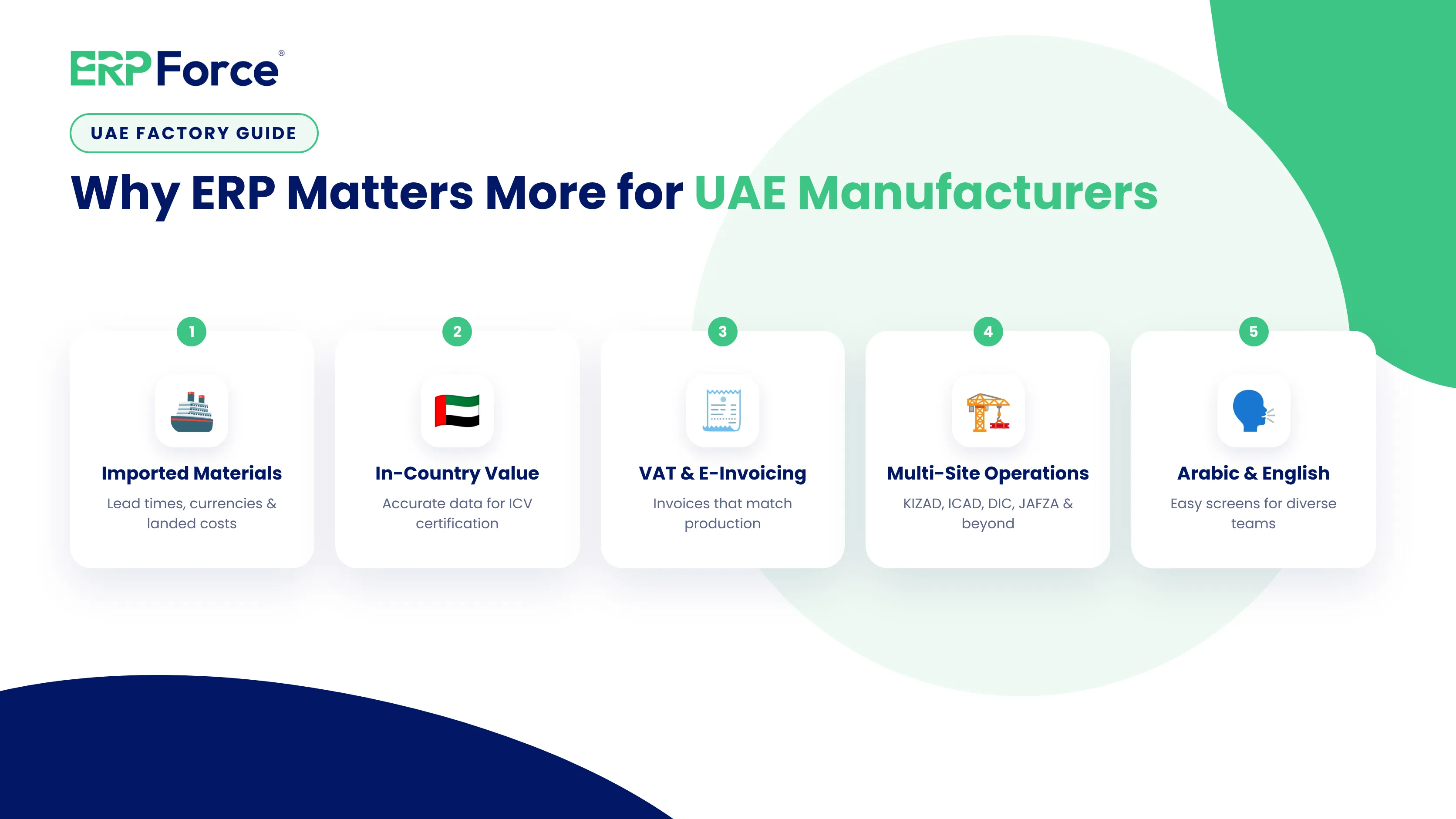
- Imported raw materials: Many factories rely on imported inputs, so they need to manage lead times, multiple currencies and landed costs, including freight and duties, to see true product cost.
- In-Country Value (ICV): Government and major corporate buyers increasingly score suppliers on ICV. Accurate records of local spending, staffing and production costs make certification much easier.
- VAT and e-invoicing: The UAE is phasing in mandatory e-invoicing from 2026–2027. Sales invoices need to match what was produced and shipped, which is simpler when production and finance share one system.
- Multi-site operations: Factories in industrial zones such as KIZAD, ICAD, Dubai Industrial City or JAFZA often run alongside warehouses or sales offices elsewhere. A connected ERP gives one view across all locations.
- Multilingual workforce: Shop-floor screens in Arabic and English help reduce training time and data-entry errors.
How to Choose the Right ERP for a UAE Factory
The best system is not necessarily the one with the longest feature list. An erp for manufacturing company should suit the factory's production methods, reporting needs, and growth plans.
Before choosing, check whether the system can:
- manage product structures, production stages, routing and work orders
- connect purchasing, inventory, production and accounts in real time
- track material usage, production costs and order progress at job level
- handle UAE VAT, e-invoicing and Arabic/English interfaces
- integrate with your existing systems, machines and workflows
- provide local implementation, staff training and ongoing support in your time zone
Why Connected Factory Management Matters
A factory’s performance depends on how well its departments work together. Production needs accurate material records. Procurement needs reliable demand figures. Finance needs consistent cost data. When each team works from the same live information, decisions get faster and surprises get rarer.
That’s why factory management software should focus on visibility across the whole production cycle, not on tracking individual tasks in isolation. The same applies after production: connecting your warehouse management system to your ERP keeps finished goods visible right through to dispatch.
How ERPForce Supports Manufacturers
ERPForce covers the full manufacturing cycle: production planning, work orders, bills of materials, routing, job cards, equipment management and reporting. Because manufacturing runs on the same platform as inventory, procurement, finance and the warehouse, every production movement updates stock and costs automatically, with no spreadsheets or manual re-entry.
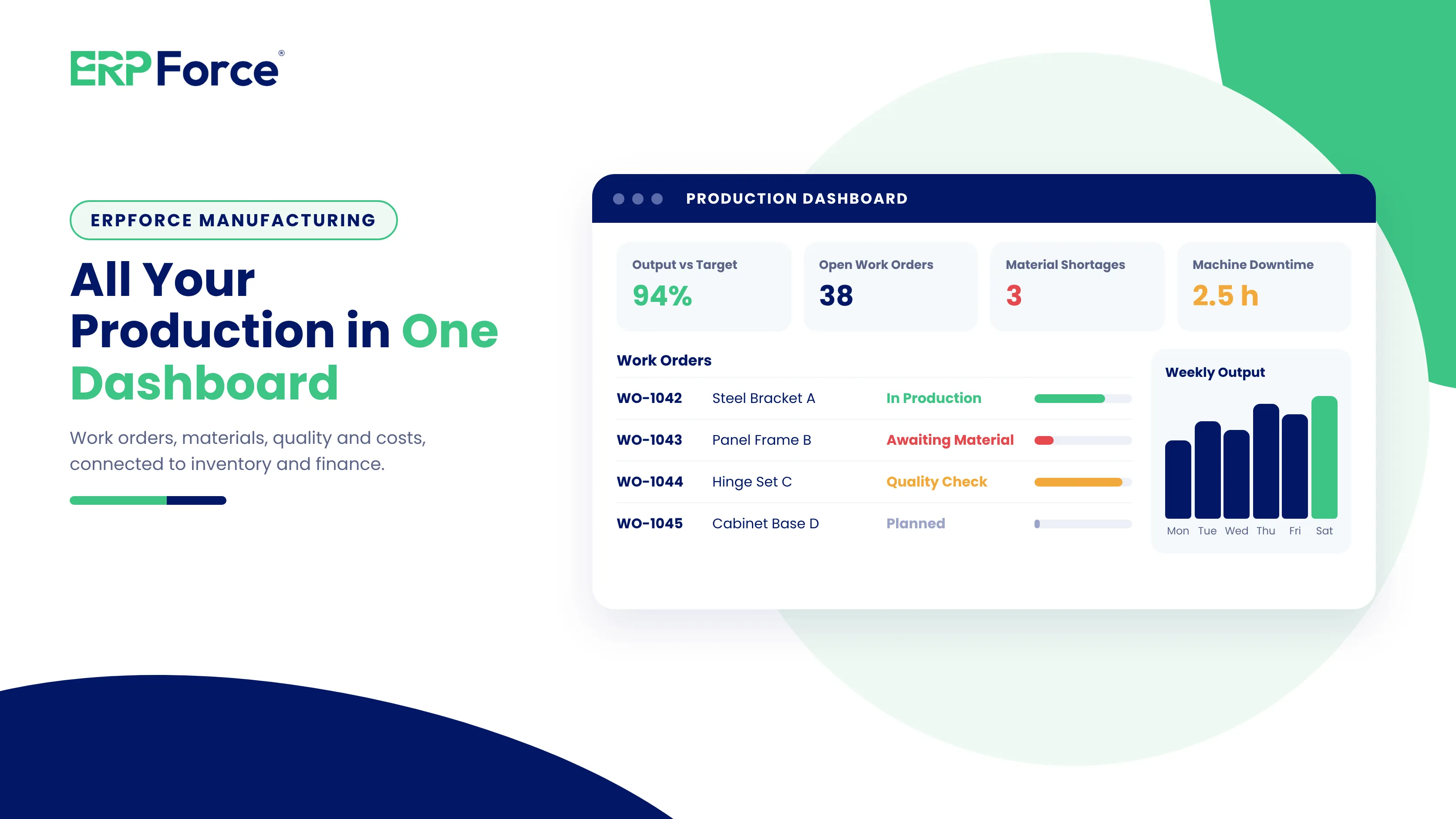
With all your production data in one dashboard, you can see output against target, open work orders, material shortages and machine downtime at a glance, and act before small issues turn into missed deliveries.
Conclusion
The right erp for manufacturing company helps factory managers understand what is being produced and which resources are being consumed. It helps with how production decisions affect profitability.
See how ERPForce can support your factory. Book a demo today and walk us through one of your real products.
FAQs
How can an ERP help factories find the cause of production delays?
An ERP tracks each work order through every production stage. When a job falls behind, managers can see whether the cause is a material shortage, a machine issue or a capacity bottleneck, and act before the delivery date is missed.
Can an ERP help manufacturers decide between in-house production and outsourcing?
Yes. Because it records the true cost of materials, labour and machine time for each product, you can compare in-house costs directly with supplier quotes and lead times, and make the decision on real numbers.
Which production figures should factory managers check daily?
The essentials are output against target, open and overdue work orders, material shortages, machine downtime and cost variances. A good ERP shows all of these on one dashboard.
How does an ERP handle changes in product specifications?
When a specification changes, you update the bill of materials and routing. The ERP then adjusts material requirements, purchasing plans and cost calculations, and keeps a history of earlier versions for traceability.
How long does it take to implement a manufacturing ERP?
A single-site factory with clean data can often go live in two to four months. Multi-site operations or complex production processes may take longer. Good preparation of BOMs, stock data and staff training makes the biggest difference.
Visit us on Linkedin- ERPForce