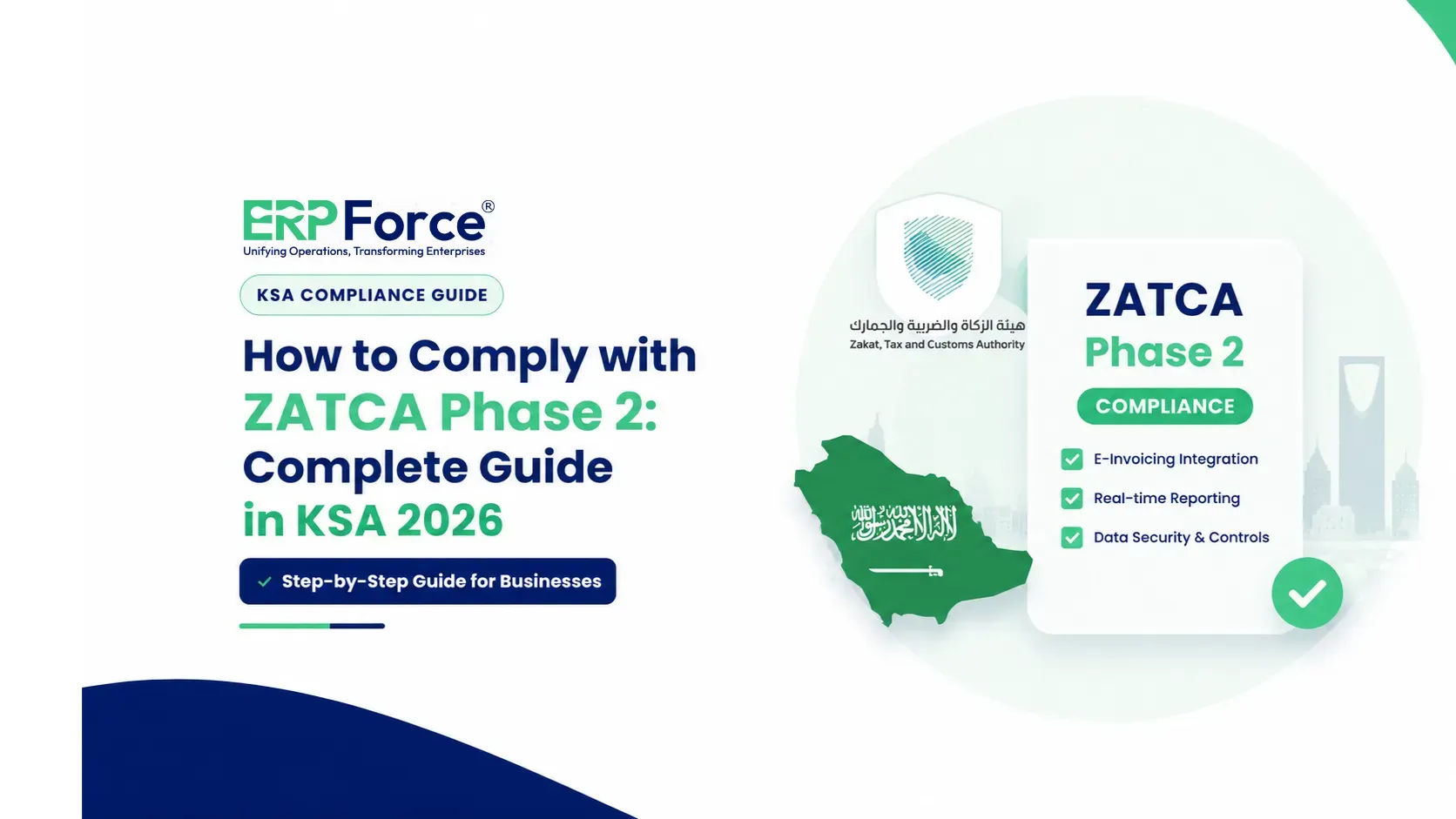
ZATCA Phase 2 moves e-invoicing beyond simply creating and storing digital invoices. Businesses must connect their e-invoicing solution with ZATCA’s Fatoora platform and meet specific technical and business requirements. The integration phase has been introduced in waves since January 2023, with businesses receiving advance notification of their integration date.
If your business is approaching its integration date, knowing how to comply with ZATCA Phase 2 can help you prepare systems, people and invoice data before the deadline.
Quick answer
To comply with ZATCA Phase 2, confirm your integration wave and date, then upgrade or choose an e-invoicing solution that meets Phase 2 requirements. Complete the API integration and onboarding with the Fatoora platform, and validate your invoice data with ZATCA's SDK before go-live. Phase 2 requires invoices in XML (UBL 2.1) format with a cryptographic stamp and QR code. Standard tax invoices (B2B) are cleared by ZATCA before they are shared, and simplified invoices (B2C) are reported within 24 hours. Wave 25 businesses must integrate by 1 February 2027.
Key takeaways
- Phase 2 (the Integration Phase) connects your e-invoicing system directly with ZATCA's Fatoora platform.
- ZATCA notifies businesses at least six months before their integration date.
- Wave 25 covers businesses with VAT-subject revenue above SAR 187,500 in any year from 2022 to 2025, with a deadline of 1 February 2027.
- You can keep your Phase 1 solution if it is upgraded to meet Phase 2 requirements.
- ZATCA does not "approve" software; any solution that meets the requirements can be used, so test it thoroughly.
What Is ZATCA Phase 2?
Phase 2, also called the Integration Phase, builds on Phase 1 requirements. It requires taxpayers to integrate their electronic invoicing systems with ZATCA’s Fatoora platform.
Businesses must also generate invoices in the required format and include the additional information specified by ZATCA. The process is implemented gradually across taxpayer groups rather than on one date for every business.
How to Comply with ZATCA Phase 2
1. Confirm Your Integration Date
Start by checking whether ZATCA has notified your business about its Phase 2 wave. ZATCA generally notifies targeted taxpayers at least six months before their integration date.
For example, the recently announced ZATCA Wave 25 covers taxpayers whose VAT-subject revenues exceed SAR 187,500 in any of 2022, 2023, 2024 or 2025. Targeted businesses must integrate with Fatoora by February 1, 2027.
2. Check Your E-Invoicing Solution
Your existing system may be updated for Phase 2. ZATCA confirms that businesses can continue using their Phase 1 solution if it is upgraded to meet Phase 2 requirements.
When evaluating ZATCA e invoicing solutions, check whether the system supports the required invoice formats, integration processes, security controls and data requirements.
3. Complete Technical Integration
The next step to how to comply with zatca phase 2 is integration, which is a key difference between the two phases. Your electronic invoicing system needs to communicate with Fatoora through the required technical process.
ZATCA’s technical guidance describes API-based communication between the electronic invoicing solution and Fatoora after successful onboarding and issuance of the required credentials.
4. Validate Invoice Data
Review customer details, VAT information, invoice types, tax calculations and other required fields. Your system should generate invoices that match ZATCA’s technical and business specifications.
Testing should happen before the enforcement date. ZATCA also provides an SDK that businesses and solution developers can use to verify invoice compliance.
5. Choose the Right Software
A ZATCA approved e invoicing software should not be selected based only on its invoice-generation features. Check its Phase 2 capabilities, integration functionality, security features, reporting process and ability to handle your transaction volume.
ZATCA also clarifies that taxpayers can use any solution that meets the applicable requirements. Its solution-provider directory is indicative rather than an approval of individual products.
Conclusion
Understanding how to comply with ZATCA Phase 2 is not only about meeting an integration deadline. It also means keeping invoice data accurate, testing your system and monitoring changes to ZATCA requirements.
Businesses should review their current setup early and address technical gaps before their assigned integration date.
For businesses seeking an integrated approach, ERPForce can help bring invoicing and wider business processes into one connected system. Explore its ERP solutions to support your compliance and operational needs.
FAQs
What happens if a business misses its ZATCA Phase 2 integration deadline?
It may face compliance issues and penalties under applicable ZATCA rules.
Can a business use its existing invoicing system for Phase 2?
Yes, if the system is upgraded to meet all applicable ZATCA Phase 2 requirements.
Is an accounting system enough for ZATCA Phase 2 compliance?
Only if it also supports the required e-invoicing formats, integration, security and compliance controls.
How early should businesses prepare for Phase 2?
Start preparation well before the assigned integration date to allow enough time for testing and corrections.
Last updated: 18 November 2026 · By the ERPForce Team