logo
logo
Close icon
  • Modules
    Scaffolding Rental
    Scaffolding Rental

    Complete scaffolding equipment rental management with real-time tracking and automated billing

    Manufacturing
    Manufacturing

    Seamless production planning and monitoring

    Account icon
    Accounts & Finance

    Streamlined financial reporting and analysis

    Inventory icon
    Inventory

    Optimised stock management for efficiency.

    HRMS icon
    HRMS

    Comprehensive HR and payroll solutions

    Man power
    Manpower

    Enhancing workforce management and deployment

    Sales icon
    Sales

    Empowering revenue growth and customer engagement.

    Project management
    Project Management

    Plan, execute, and track projects effectively

    Document
    Warehouse Management System

    Enhance inventory tracking, streamline operations, and boost warehouse efficiency

    Procurement icon
    Procurement

    Simplified supplier and purchase order management.

    Equipment icon
    Equipment / Scaffolding

    Efficient resource allocation and tracking

    Drive module
    Drive Module

    Secure, Share, and Collaborate with Ease

    User roles
    User & Role

    Keep files private, share securely, or go public — your data, your control.

  • Solutions
    Ai powered
    AI Powered Solutions

    AI that powers progress. Innovate, evolve, succeed.

    Communications
    Communications

    Integration in one place with Email, SMS, and WhatsApp

    Digitalization
    Digitalization

    Transform raw, unstructured data into clean, actionable insights

    Metrics
    Metrics and KPIs

    Gain real-time insights with custom dashboards, reports, and BI integrations

    Customer
    Customer Relationship Manager

    Optimize ERP processes with a dedicated consultant and automation tools

    Workflow
    Workflow Automation

    Automation for approvals, notifications, reminders, actions, and triggers

    Integrations
    Integrations

    Banks, e-commerce, government portals, and payment gateways

    Finforce
    FinForce

    Streamline bookkeeping, tax compliance, and reconciliation

  • Company
    contact
    Contact Us

    Get in touch with our team for smart, reliable, and innovative business solutions tailored to your needs.

    Customer
    About Us

    We simplify business operations through smart, innovative tech solutions.

    about-us
    Partners

    Collaborating to deliver smarter, data-driven business solutions.

  • Resources
    Metrics
    Blogs

    Explore expert insights, industry trends, and tech innovations.

  • KSA·EN
KSA·EN
Book a Demo
3 November 2026

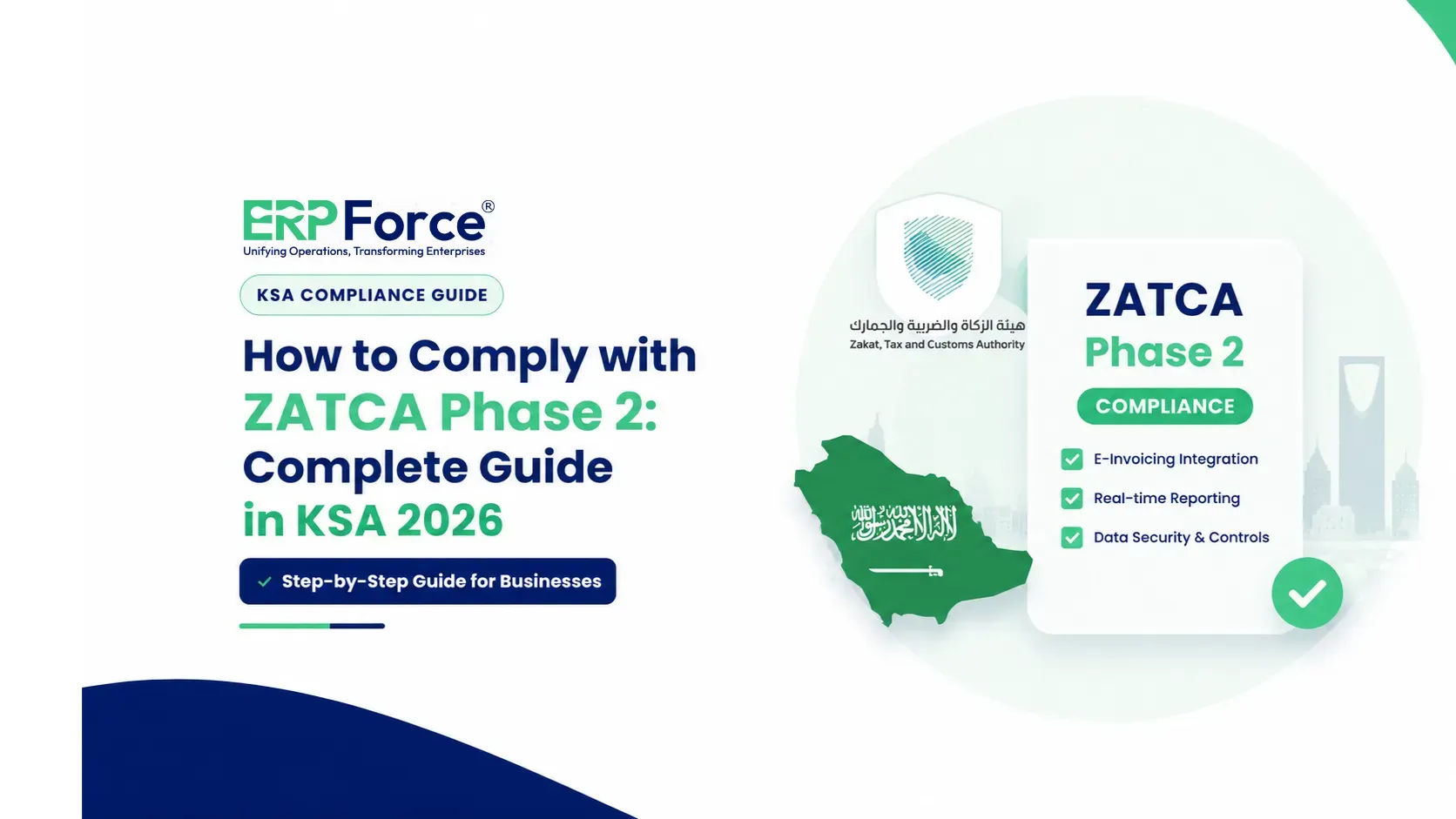
How to Comply with ZATCA Phase 2: A Complete Guide for Businesses

Back to All Blogs →
How to Comply with ZATCA Phase 2: A Complete Guide for Businesses

ZATCA Phase 2 moves e-invoicing beyond simply creating and storing digital invoices. Businesses must connect their e-invoicing solution with ZATCA’s Fatoora platform and meet specific technical and business requirements. The integration phase has been introduced in waves since January 2023, with businesses receiving advance notification of their integration date.

If your business is approaching its integration date, knowing how to comply with ZATCA Phase 2 can help you prepare systems, people and invoice data before the deadline.
Add ERPForce as a preferred source on Google


What Is ZATCA Phase 2?

Phase 2, also called the Integration Phase, builds on Phase 1 requirements. It requires taxpayers to integrate their electronic invoicing systems with ZATCA’s Fatoora platform.

Businesses must also generate invoices in the required format and include the additional information specified by ZATCA. The process is implemented gradually across taxpayer groups rather than on one date for every business.

How to Comply with ZATCA Phase 2

1. Confirm Your Integration Date

Start by checking whether ZATCA has notified your business about its Phase 2 wave. ZATCA generally notifies targeted taxpayers at least six months before their integration date.

For example, the recently announced ZATCA Wave 25 covers taxpayers whose VAT-subject revenues exceed SAR 187,500 in any of 2022, 2023, 2024 or 2025. Targeted businesses must integrate with Fatoora by February 1, 2027.

2. Check Your E-Invoicing Solution

Your existing system may be updated for Phase 2. ZATCA confirms that businesses can continue using their Phase 1 solution if it is upgraded to meet Phase 2 requirements.

When evaluating ZATCA e invoicing solutions, check whether the system supports the required invoice formats, integration processes, security controls and data requirements.

3. Complete Technical Integration

The next step to how to comply with zatca phase 2 is integration, which is a key difference between the two phases. Your electronic invoicing system needs to communicate with Fatoora through the required technical process.

ZATCA’s technical guidance describes API-based communication between the electronic invoicing solution and Fatoora after successful onboarding and issuance of the required credentials.

4. Validate Invoice Data

Review customer details, VAT information, invoice types, tax calculations and other required fields. Your system should generate invoices that match ZATCA’s technical and business specifications.

Testing should happen before the enforcement date. ZATCA also provides an SDK that businesses and solution developers can use to verify invoice compliance.

5. Choose the Right Software

A ZATCA approved e invoicing software should not be selected based only on its invoice-generation features. Check its Phase 2 capabilities, integration functionality, security features, reporting process and ability to handle your transaction volume.

ZATCA also clarifies that taxpayers can use any solution that meets the applicable requirements. Its solution-provider directory is indicative rather than an approval of individual products.

Conclusion

Understanding how to comply with ZATCA Phase 2 is not only about meeting an integration deadline. It also means keeping invoice data accurate, testing your system and monitoring changes to ZATCA requirements.

Businesses should review their current setup early and address technical gaps before their assigned integration date.

For businesses seeking an integrated approach, ERPForce can help bring invoicing and wider business processes into one connected system. Explore its ERP solutions to support your compliance and operational needs.


Add ERPForce as a preferred source on Google

FAQs

What happens if a business misses its ZATCA Phase 2 integration deadline?

It may face compliance issues and penalties under applicable ZATCA rules.

Can a business use its existing invoicing system for Phase 2?

Yes, if the system is upgraded to meet all applicable ZATCA Phase 2 requirements.

Is an accounting system enough for ZATCA Phase 2 compliance?

Only if it also supports the required e-invoicing formats, integration, security and compliance controls.

How early should businesses prepare for Phase 2?

Start preparation well before the assigned integration date to allow enough time for testing and corrections.


Share this article
Published
3 November 2026
Author
ERPForce Team
Share this article
More reading

Explore related articles or return to the full archive

Back to All Blogs →

Let's Transform Your Business Together

Get expert guidance on implementing ERP solutions tailored to your business needs. Our team is ready to help you streamline operations and drive growth.

Basic Details
Phone iconArrow icon
Business Info
Close icon

Thank You!

We've received your request for a free consultation. Our team will contact you shortly.

Contact Sales

Talk to us?

WhatsApp
  • Logo
  • ERPForce is a dynamic and all-encompassing business management platform, meticulously designed to unify and optimize operations across all functions, driving efficiency, precision, and seamless collaboration.

  • Stay connected with us on

    FacebookInstagramLinkedIn

Modules

Accounts & Finance Inventory HRMS Manpower Supply Management Sales Manufacturing Project ManagementWarehouse Management SystemProcurement Equipment / ScaffoldingDrive Module User and Roles

Solutions

CommunicationDigitalizationMetrics and KPIsCustomer Relationship ManagerWorkflow AutomationAI Powered SolutionsIntegrationFinForce

ERPForce

About UsPartnersBlogsPrivacy & Data ProtectionTerms & Conditions

Contact Us

hello@erpforce.aiContact Sales

Our Branches

WEForce LLC FZ, The Meydan Hotel, Grandstand, 6ᵗʰ Floor - Al Meydan Rd - Nad Al Sheba, Dubai, UAE.
Tel: +971 50 577 7926, +971 56 880 9394
WeForce Technologies Limited, Building No. 7064, King Khalid Ibn Abdulaziz Soud Street Al Khobar Ash Shamaliyah Dist. Al Khobar - 34427, KSA.
Tel: +966 506 943 444, +966 508 943 444
704, Sikka Kapital Grand, Mall of Noida, SEC-98, NOIDA, U.P.
Tel: +91 98103 53352
#502, 5th floor, Fortune Valley, Health City, Visakhapatnam-530040, Andhra Pradesh, India.
Tel: +91 84640 24289
WEForce Limited, 71-75 Shelton Street, Covent Garden, London, UK.
Tel: +44 7878 705456,

© 2026 WEForce Made with ❤️ by WEForce. All Rights Reserved.