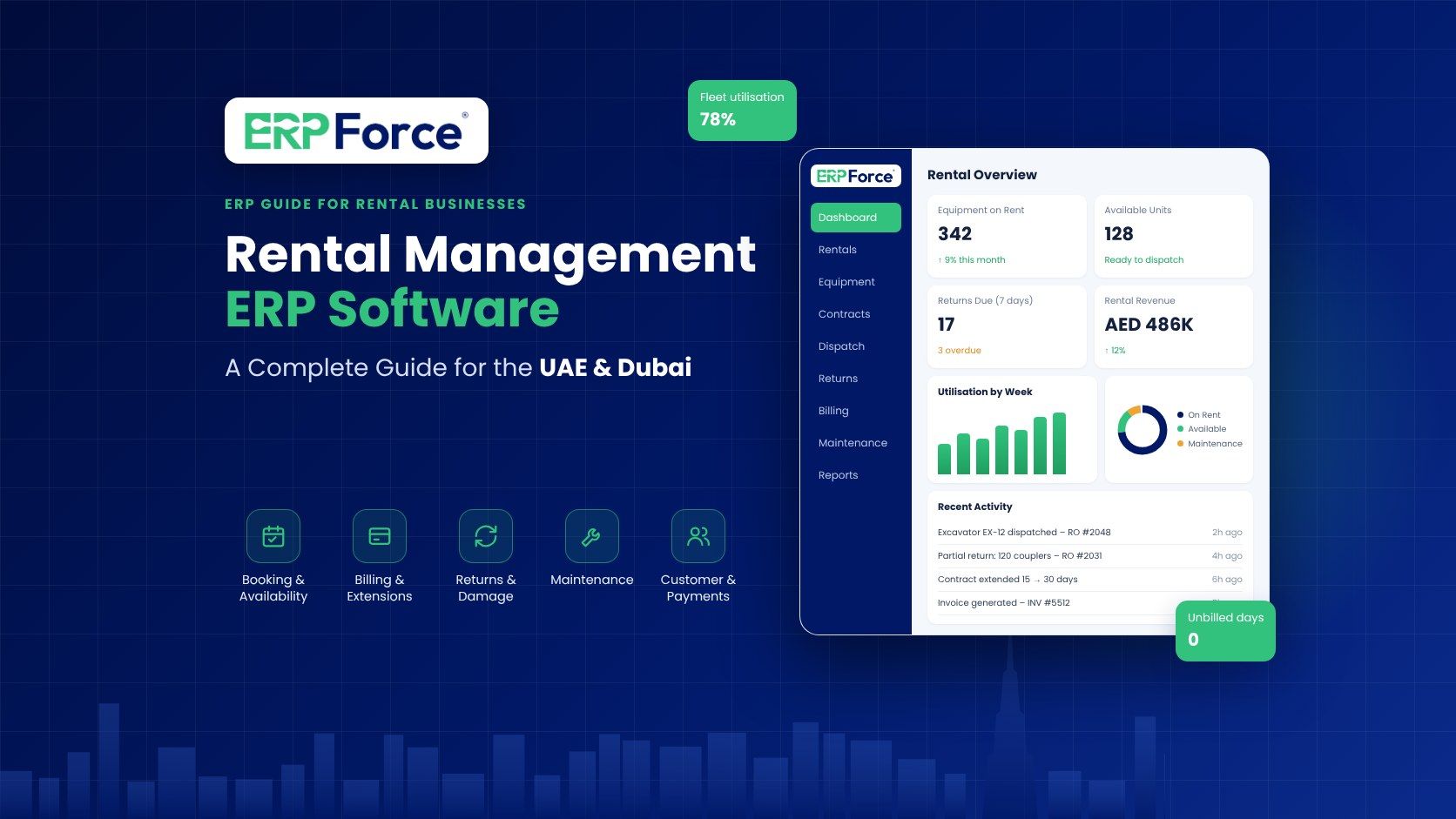
A piece of rented equipment can sit at a customer’s site for three extra days without anyone updating the invoice. A machine may be marked as available even though it is waiting for repairs. These small gaps can cost a rental business money.
Managing bookings, returns, maintenance and payments becomes difficult when each team keeps separate records. Rental management ERP software brings these activities together, helping rental companies keep track of their equipment and the charges linked to each order.
Quick answer
Rental management ERP software connects equipment bookings, availability, dispatch, returns, damage, maintenance, rental billing, extensions and customer payments in one system. It stops extra rental days going unbilled and keeps damaged equipment off the available list. Choose software that fits your actual operations, handles partial returns and transfers between warehouses, and supports UAE VAT and e-invoicing.
Key takeaways
- Most rental losses come from late returns, unbilled extensions, unchecked damage and outdated stock records.
- Check availability before every booking, with each item marked reserved, dispatched, returned or under repair.
- Billing should handle daily, weekly and monthly rates, extensions and partial returns.
- Inspect returns, record damage and keep maintenance history before equipment goes out again.
- After go-live, track invoice corrections, late returns, idle assets, repair costs and overdue payments.
Where Do Rental Businesses Face Problems?
The problems often start when information does not reach the right person on time.
- Late returns: The next customer is waiting, but the equipment has not come back from the previous hire.
- Incorrect rental charges: A booking extension is agreed over the phone but never reaches the billing team.
- Unusable stock: Damaged equipment is recorded as available before anyone checks its condition.
- Confusing stock records: Equipment moves between warehouses or job sites, but the records are not updated.
- Missed maintenance: Servicing gets delayed because the team has no clear record of the equipment's previous repairs.
Features Worth Checking Before Choosing Rental ERP Software
Not every rental business works in the same way. A scaffolding supplier handles large quantities of individual components, while a machinery rental company may need detailed service histories. The software should suit your actual operations.
Equipment Booking and Availability
Your team should be able to check availability before confirming a booking. The system should record which items are reserved, dispatched, returned or under repair. If equipment is stored across multiple locations, staff should also be able to check where it is held.
Rental Billing and Extensions
Rental charges may depend on daily, weekly or monthly rates. Customers may also extend their rental periods or return only part of an order. Look for a system that records these changes and helps the billing team apply the agreed charges. This reduces the chance of extra rental days going unbilled.
Returns, Damage and Maintenance
A returned item may need inspection before it can be hired again. Staff should be able to record missing parts, damage and repair requirements. Maintenance records also help the team identify equipment that needs servicing before its next booking.
Customer and Payment Records
Keeping contracts, invoices and payment details connected to rental orders makes it easier to answer customer queries. Staff can check the agreed rental period, review outstanding invoices and follow up on overdue payments without searching through separate files.
Rental ERP Software in the UAE and Dubai
Check how the system handles your common transactions.
- Can it manage partial returns?
- Can it track equipment transfers between warehouses?
- Can a rental extension update the relevant records without creating confusion?
The businesses operating across different Emirates may also need multi-location reporting and clear stock visibility. You must see if the rental erp software UAE supports your accounting processes and existing business applications.
For rental erp software Dubai, ask the provider to give you some real instances. These could be scaffolding booking or damaged equipment. All this will give you a clear idea of how the software works in day-to-day operations.
How Can You Check If the Software Is Helping?
After implementation, prefer to review a few below-mentioned figures regularly:
- How many rental invoices need manual corrections?
- How often are returns recorded late?
- Which assets spend the most time unused?
- How much is spent repairing frequently damaged equipment?
- Are overdue payments being followed up on time?
Conclusion
Rental management ERP software is useful when it solves the problems your team faces every week. Before you choose a system, list your current difficulties and check how the software would handle each one.
Contact ERPForce today! Explore rental management features that fit your equipment and business processes.
FAQs
1. How can rental software handle equipment sent to a site in batches?
It can record each dispatch and return separately. This helps teams track outstanding quantities without closing the entire rental order.
2. Can rental ERP software identify equipment that earns less than it costs to maintain?
Yes, if it tracks rental income and repair expenses. Or utilisation for individual assets.
3. Can rental software manage contracts with different pricing terms for each customer?
A suitable system can store customer-specific rates and agreed charges for more consistent billing.
Last updated: 18 November 2026 · By the ERPForce Team